
Chipped: Thousands of Cosmetic Block Variants
Chipped is a building mod that expands vanilla's block variety with over 11,000 cosmetic variants, all hand-made in the vanilla style. This guide covers how to unlock them.
Workbenches
Each family of blocks has its own workbench, crafted from a Crafting Table plus themed materials:
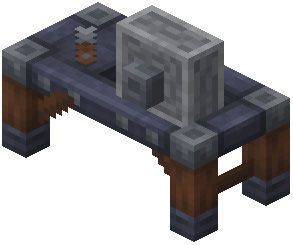 Mason Table — stone variants (bricks, pillars, chiseled forms).
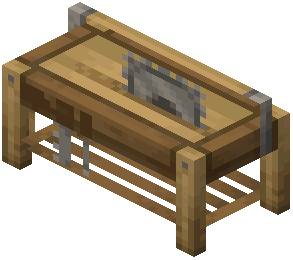 Carpenters Table — wood variants.
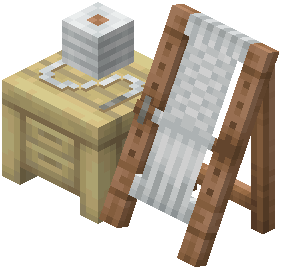 Loom Table — wool and textile variants.
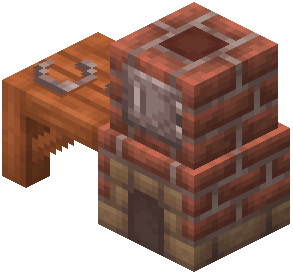 Glassblower — glass and stained-glass variants.
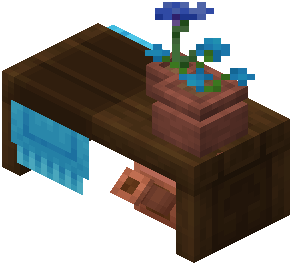 Botanist Workbench — plant and natural blocks.
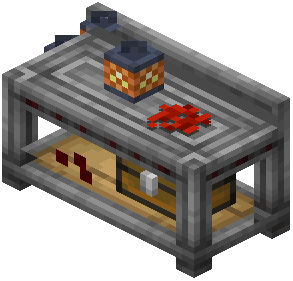 Tinkering Table — metal and mechanical variants.
Open the matching workbench, drop in a base block, and pick from its grid of variants — the block converts one-for-one, so it costs nothing extra to restyle.
Why use it
Because every variant is purely cosmetic and vanilla-styled with connected textures, Chipped is about giving builders far more palette without changing gameplay. Craft the workbench for the material you build with most, and you instantly gain dozens of new looks for it.
Nearly seven thousand blocks
Chipped is 6,973 pages across 6,967 blocks and 6 items — by a very wide margin the largest block set on this wiki, and effectively a pure variant mod.
Those blocks are not made individually. The whole catalogue is reached through the mod's workbenches, which is why its actual recipe list is tiny: 13 crafting recipes on 1.21.1 (7 on 1.20.1) and a Workbench category with 8 recipes on 1.21.1.
The workbench category is 1.21.1 only
That Workbench list of 8 recipes is empty on 1.20.1. The benches exist on both builds, but how they are registered differs, so a recipe viewer on the older version will show you less.
What to build first
One of the workbenches, matched to the material you want to work with. Until you have one, the mod contributes essentially nothing — six items and nothing placed.
Reading the catalogue
With nearly 7,000 blocks there is no useful way to browse them all. Open a workbench with a stack of the base block and choose from what it offers; that is the intended interface and the only practical one.
 Chisel