
Crafting Copycat Panels and Compact Structural Slices
Copycat panels in Create: Copycats+ provide customizable structural facades that conceal mechanisms while matching surrounding architectural textures. By integrating these modular shapes into factories and decorative structures, builders gain precise control over micro-proportions without sacrificing visual cohesion.
Crafting Copycat Panels and Structural Conversions
The standard 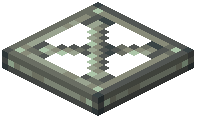 Copycat Panel serves as the backbone of modular builds. In standard crafting, placing two
 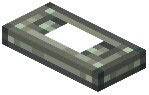 Copycat Half Panel items side by side in a crafting grid yields one Copycat Panel. Players can also convert a
 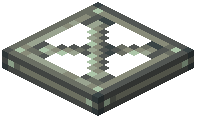 Copycat Trapdoor into one Copycat Panel in a shapeless recipe, or reverse the process by crafting a Copycat Panel back into a Copycat Trapdoor.
Building larger components from panels is straightforward:
- Arranging two Copycat Panel items vertically in the crafting grid produces one
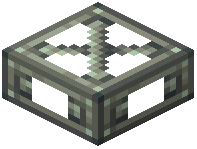 Copycat Slab.
 - Stacking two Copycat Slab blocks vertically yields one standard
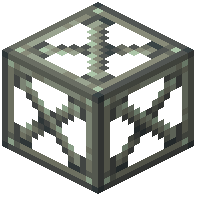 Copycat Block.
 - Placing two
 Copycat Beam units horizontally in the crafting grid produces one Copycat Slab.
 - Placing two
 Copycat Step blocks horizontally produces one Copycat Slab.
 - Converting between horizontal and vertical orientations is shapeless: one Copycat Step crafts into one
 Copycat Vertical Step, and one Copycat Vertical Step converts back into one Copycat Step.
Stonecutting Shapes from Zinc Ingots
A  Zinc Ingot fed directly into a stonecutter produces a wide array of specialized building blocks without requiring intermediary parts. The stonecutter yields precise counts for each cut:
- One Zinc Ingot yields 16
 Copycat Byte Panel items or 16
  Copycat Corner Slice pieces.
 - One Zinc Ingot yields 16
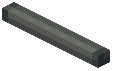 Copycat Slice or 16
  Copycat Vertical Slice blocks.
 - One Zinc Ingot yields 16
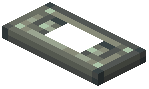 Copycat Half Layer, 16
 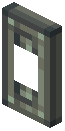 Copycat Vertical Half Layer, or 16
 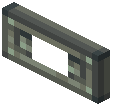 Copycat Stacked Half Layer blocks.
 - One Zinc Ingot yields 8 Copycat Half Panel pieces, 8
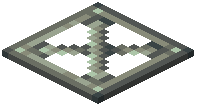 Copycat Board blocks, or 8
 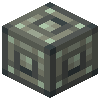 Copycat Byte blocks.
 - One Zinc Ingot yields 8
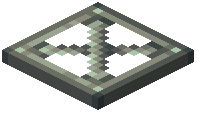 Copycat Layer blocks or 8
 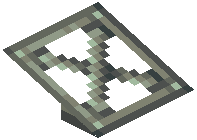 Copycat Slope Layer units.
 - One Zinc Ingot yields 4 Copycat Beam blocks, 4 Copycat Trapdoor units, or 4 Copycat Vertical Step blocks.
- One Zinc Ingot yields 2 Copycat Slab blocks, 2
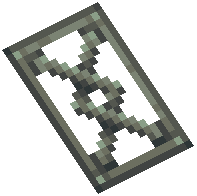 Copycat Slope blocks, or 2
 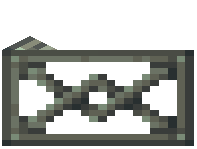 Copycat Vertical Slope blocks.
 - One Zinc Ingot yields 1 Copycat Block, 1
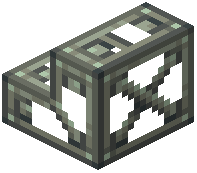 Copycat Stairs, 1
 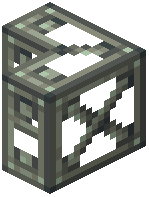 Copycat Vertical Stairs, or 1
 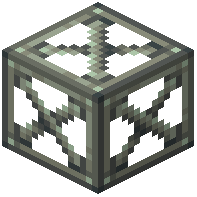 Copycat Ghost Block.
Orientation Reversals and Layer Assembly
Fine-tuning slice angles and micro-layers does not require recutting raw metal. Placing oriented shapes into any standard crafting grid swaps their directional alignment:
- One Copycat Slice converts into one Copycat Vertical Slice, and vice versa.
- One Copycat Slope converts into one Copycat Vertical Slope, and vice versa.
- One Copycat Stairs converts into one Copycat Vertical Stairs, and vice versa.
- One Copycat Half Layer crafts into one Copycat Vertical Half Layer, which crafts into one Copycat Stacked Half Layer, and cycles back into one Copycat Half Layer.
- Combining two Copycat Half Layer pieces horizontally in a crafting grid creates one full Copycat Layer.
Fabricating the Copycat Box
Thin decorative boards can also be assembled into full functional containers. Placing six Copycat Board items in a hollow ring layout across the outer crafting slots produces one 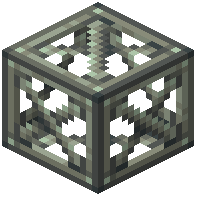 Copycat Box. This hollow enclosure allows builders to encase functional machinery or store items while maintaining the exact visual material of adjacent walls.