
Reed Pipe Crafting and Music Roll Automation Guide
guide
Reed pipe crafting and music roll automation in Create Sound of Steam allow players to forge complex buzzing reed ranks and automate musical performances using punched music rolls. Unlike flue pipes that whistle with rushing air, reed pipes use vibrating brass tongues to produce commanding brass timbres and articulate mechanical music.
Manufacturing Brass Reeds and Tuning Wires
Constructing reed pipes requires precise metal fabrication:
 Brass Reed: Place one Brass Nugget under a mechanical press. Pressing the nugget flattens it into an elastic Brass Reed, the vibrating element of the pipe.
 Tuning Wire: Combine six Copper Nuggets in a diagonal formation across a crafting table to produce six Tuning Wires (or cut copper nuggets). The tuning wire presses against the brass reed to adjust its vibrating length and tune its resonant pitch.
Sequenced Assembly of Reed Ranks
Reed pipes cannot be slapped together on a basic crafting table and require Create's sequenced assembly tracks:
- Set up a conveyor belt or mechanical depot line beginning with a
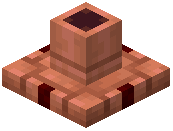 Pipe Base.
- Program Mechanical Deployers to repeatedly install Brass Reeds, attach Tuning Wires, and mount metal pipe bodies in sequence:
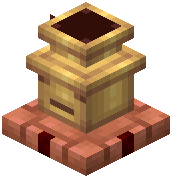 Trompette: A brilliant, triumphant brass chorus rank delivering sharp French trumpet tones across the hall.
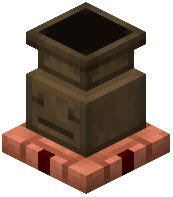 Posaune: A massive, deep trombone reed stop designed for the pedalboard, providing earth-shaking bass notes.
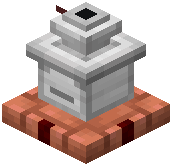 English Horn: A dark, expressive solo reed stop tailored for melodic phrases.
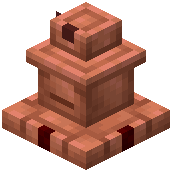 Vox Humana: A complex, buzzy reed pipe voiced to simulate the timbre of a human choir when played through a swell chamber.
Punching Custom Songs with the Roll Authoring Table
Automating an organ requires transferring musical compositions onto perforated paper rolls:
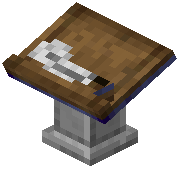 Roll Authoring Table: Craft by placing two Spruce Slabs, one Book and Quill, two Iron Ingots, and one Smooth Stone block together at a crafting table.
- Place the authoring table down and insert a blank
 Music Roll into its input slot.
- Opening the Roll Authoring Table interface scans your computer's local game directory for MIDI files. Players can open the folder directly through the menu, refresh file lists, select their desired song from the loaded tracks, and configure track assignments across organ divisions.
- Confirming the selection punches the MIDI score directly onto the Music Roll, preparing it for automated playback.
Automating Playback with the Tracker Bar and Keyboard Relay
Bringing your punched music rolls to life requires mechanical readers and redstone relays:
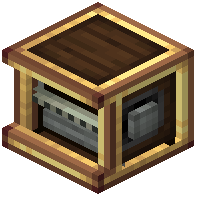 Tracker Bar: The mechanical roll reader. Craft using two kinetic Shafts, two Brass Casings, and one Precision Mechanism. Mount the Tracker Bar onto your organ console and connect it to rotational power from water wheels or steam engines.
- Inserting a punched Music Roll into the Tracker Bar feeds the paper across pneumatic sensors as rotation spins the feed spools.
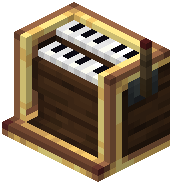 Keyboard Relay: To link the music player to distant pipe chests without miles of redstone dust, craft a Keyboard Relay using one Transmitter, one Redstone Dust, one Iron Ingot, one Precision Mechanism, and one Brass Casing.
- The Keyboard Relay reads the signals from the tracker bar or manual organ keyboards and wirelessly transmits note triggers directly to the appropriate Windchest Controllers, playing complex multi-rank orchestral music completely hands-free.
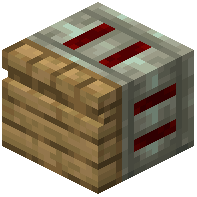 Windchest Controller
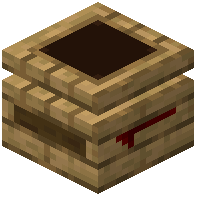 Windchest