
Moving Structures Vertically Between Marked Floors with Elevator Pulleys
Elevator Pulleys move structures vertically between marked locations. They are the core component for building a working elevator in Create, and the process follows a clear sequence: build a cabin, set up contacts, supply power, and assemble.
Building the Cabin
Start by constructing a cabin. This is the structure that will travel up and down. Once it is built, place a pair of 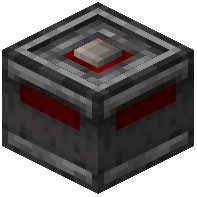 Redstone Contacts facing each other, then glue one of them to your moving structure. The glued contact travels with the cabin, while the other stays in place.
Adding Controls and Power
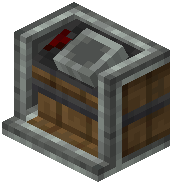 Contraption Controls can be attached to make floor selection easier. You will also need to ensure that the pulley is supplied with Rotational Power — without it, the elevator cannot operate.
Assembling the Elevator
Right-Clicking the pulley assembles the elevator. At this point, the stationary contact turns into an 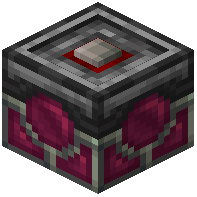 Elevator Contact. Elevator Contacts represent a "floor" and can be configured. Any redstone contact sharing this column will be converted as well, so contacts placed along the same vertical line become part of the floor system.
Calling the Elevator
To move the cabin to a specific floor, supply a redstone pulse to call the elevator to the contact. Each configured contact acts as a destination the cabin can travel to.
Synchronised Pulley Movement
Whenever a pulley assembles a contraption, other pulleys on the same layer will connect to the structure. These additional pulleys do not require power — the effect is purely cosmetic. This means you can place multiple pulleys at the same level for a consistent look without wiring each one individually.
Summary of the Setup Order
- Construct the cabin.
- Place a pair of Redstone Contacts facing each other.
- Glue one contact to the moving structure.
- Attach Contraption Controls for easier floor selection.
- Supply Rotational Power to the pulley.
- Right-Click the pulley to assemble the elevator.
- Configure the resulting Elevator Contact as a floor.
- Send a redstone pulse to call the elevator to a contact.
The elevator system relies on the relationship between the glued contact and the stationary contacts along the column. Once assembled, the stationary contact becomes an Elevator Contact, and any other redstone contact sharing that column is converted too. From there, redstone pulses handle movement between the marked floors.
Covers the mod’s in-game guide topics: Using the Elevator Pulley Synchronised Pulley Movement Synchronised Pulley Movement
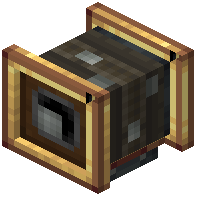 Elevator Pulley